
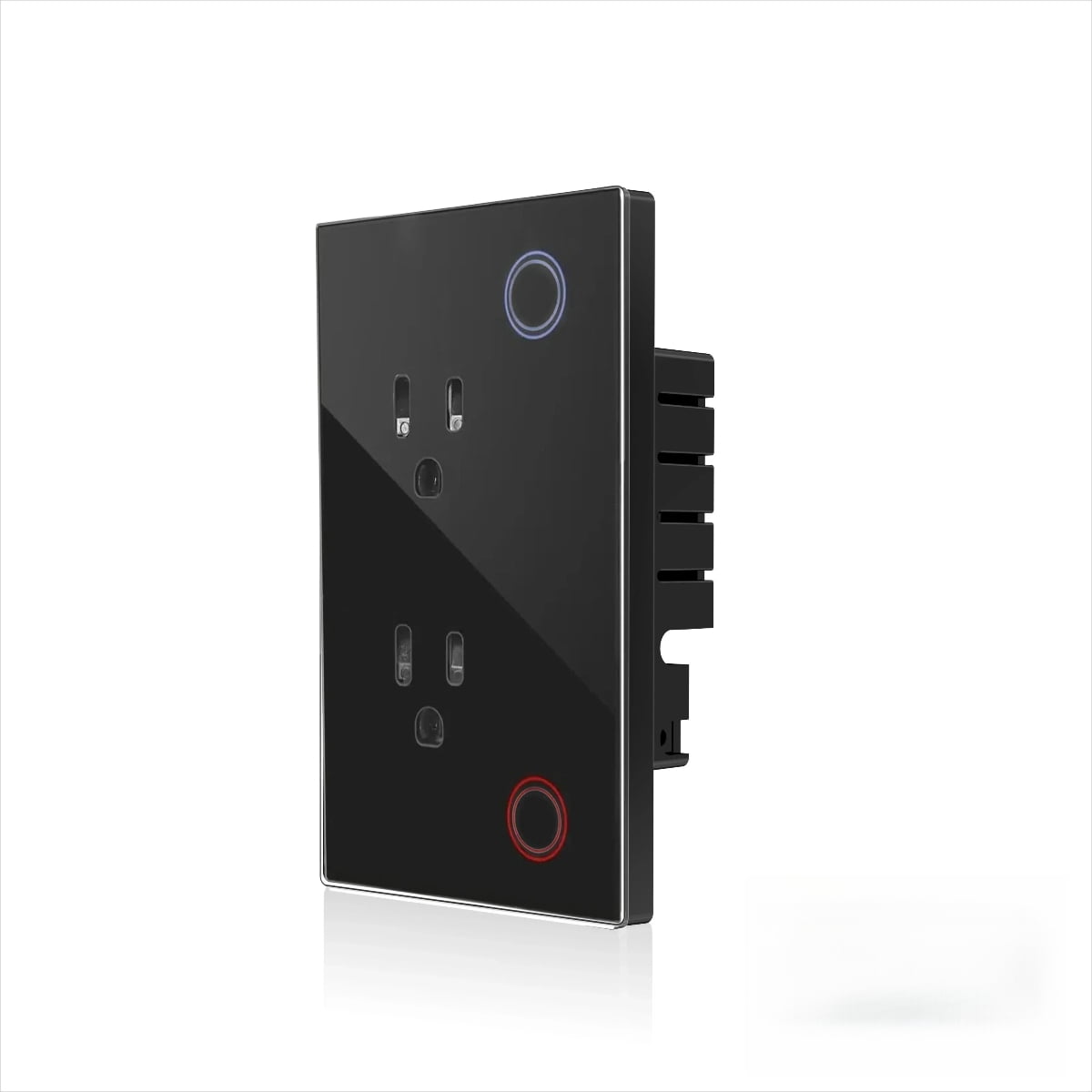
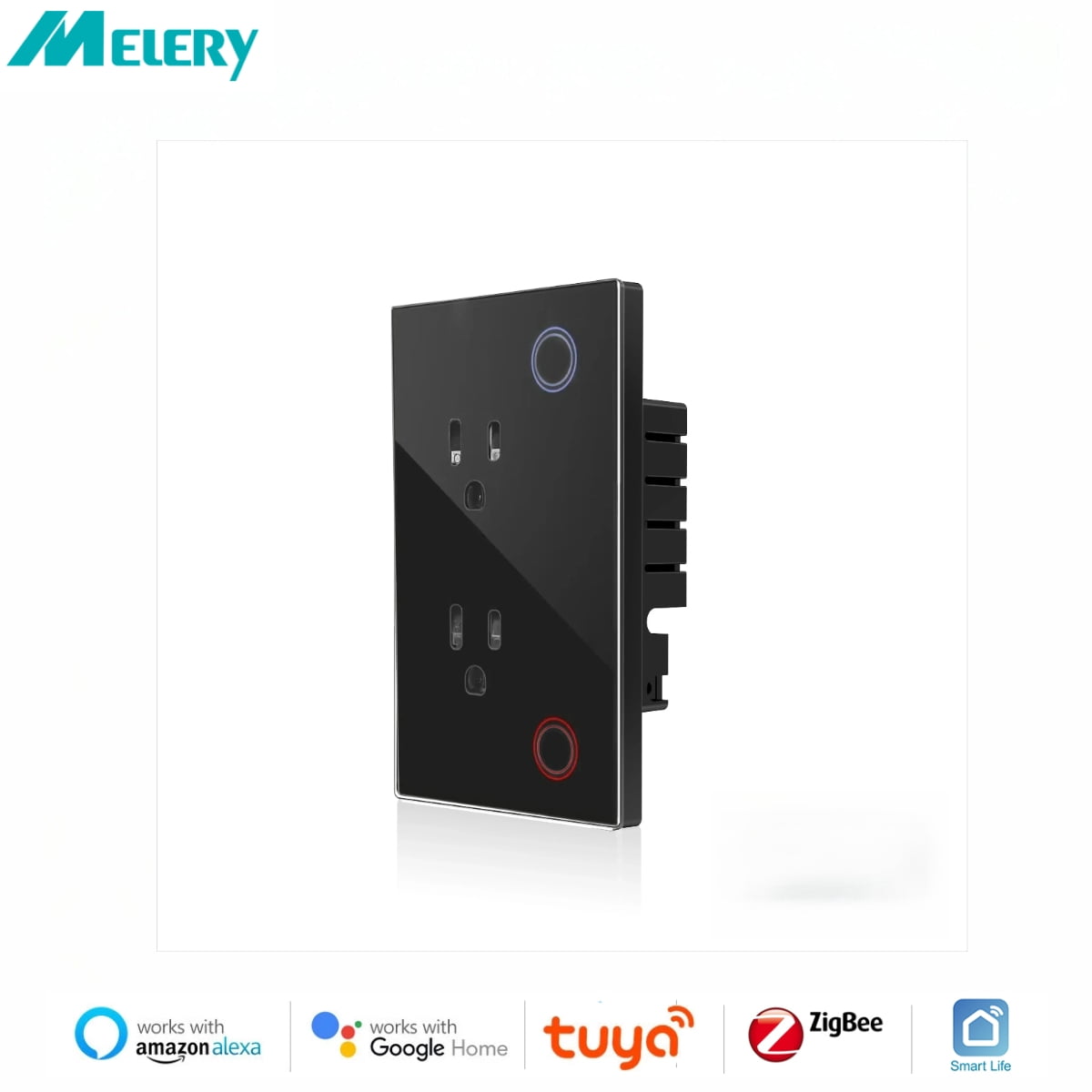
Melery Smart US Wall Outlet 10A Zigbee-Enabled with Tuya & Smart Life App Tempered Glass Pane lTiming & Remote Control Function
Product details
| Management number | 230849778 | Release Date | 2026/06/18 | List Price | $11.60 | Model Number | 230849778 | ||
|---|---|---|---|---|---|---|---|---|---|
| Category | |||||||||
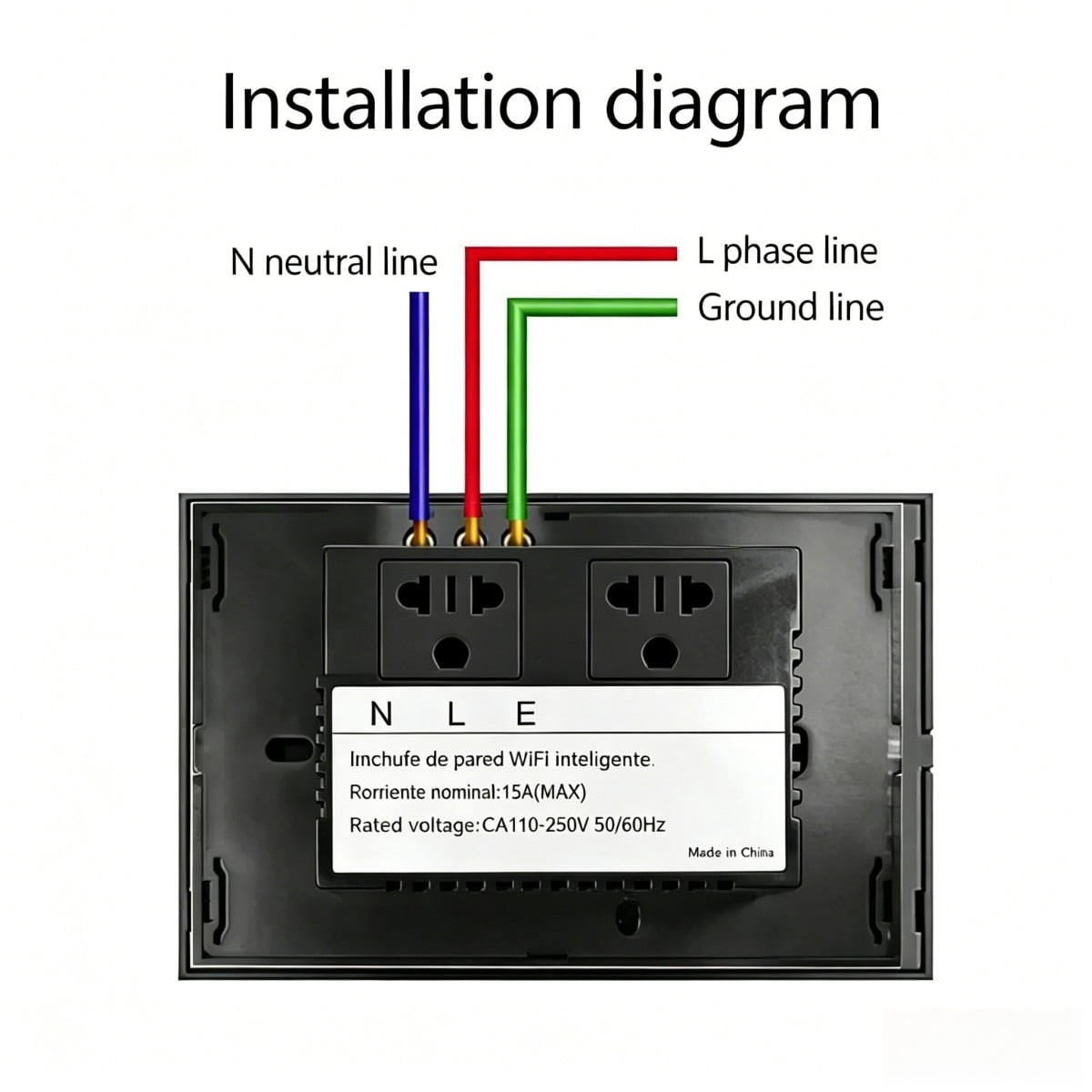
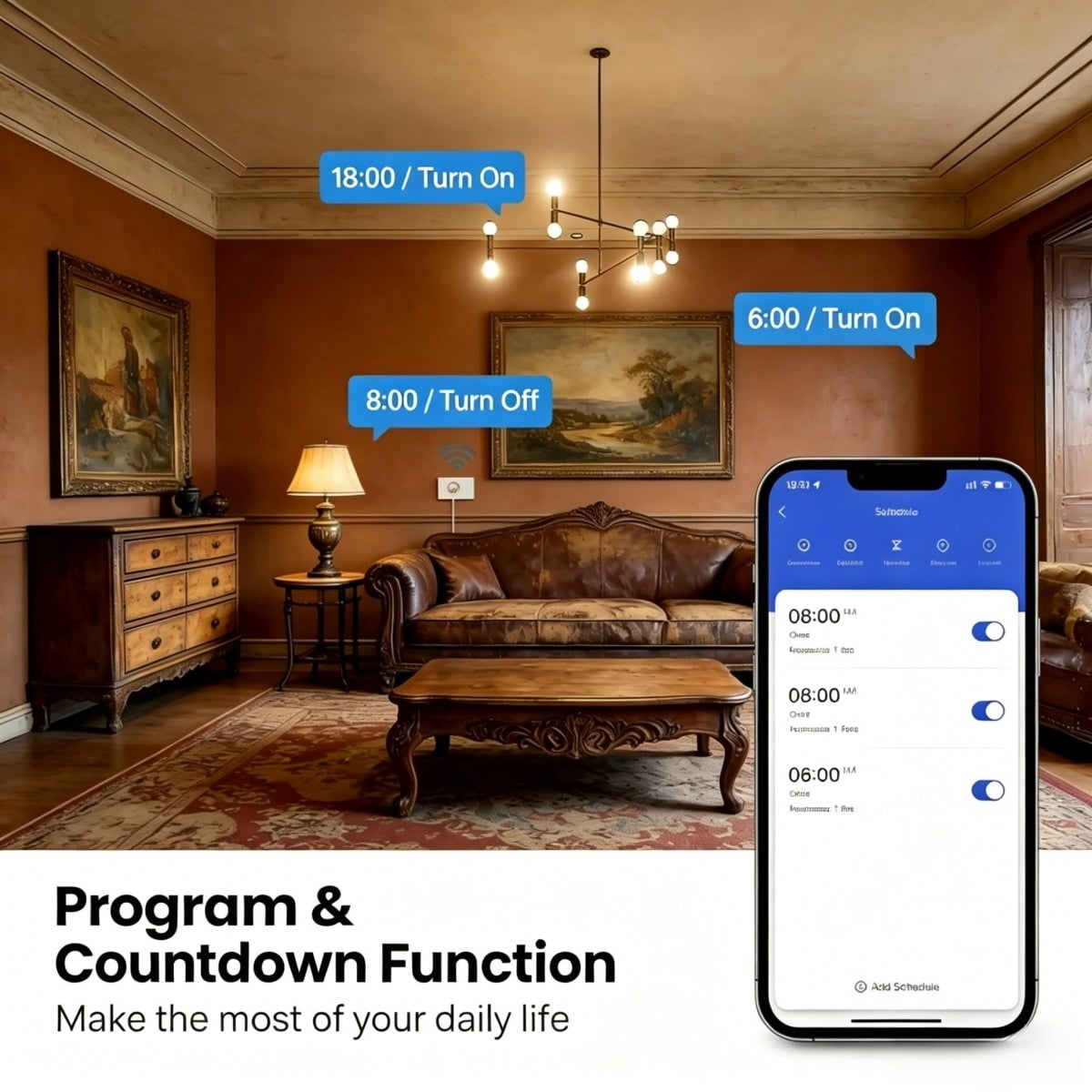
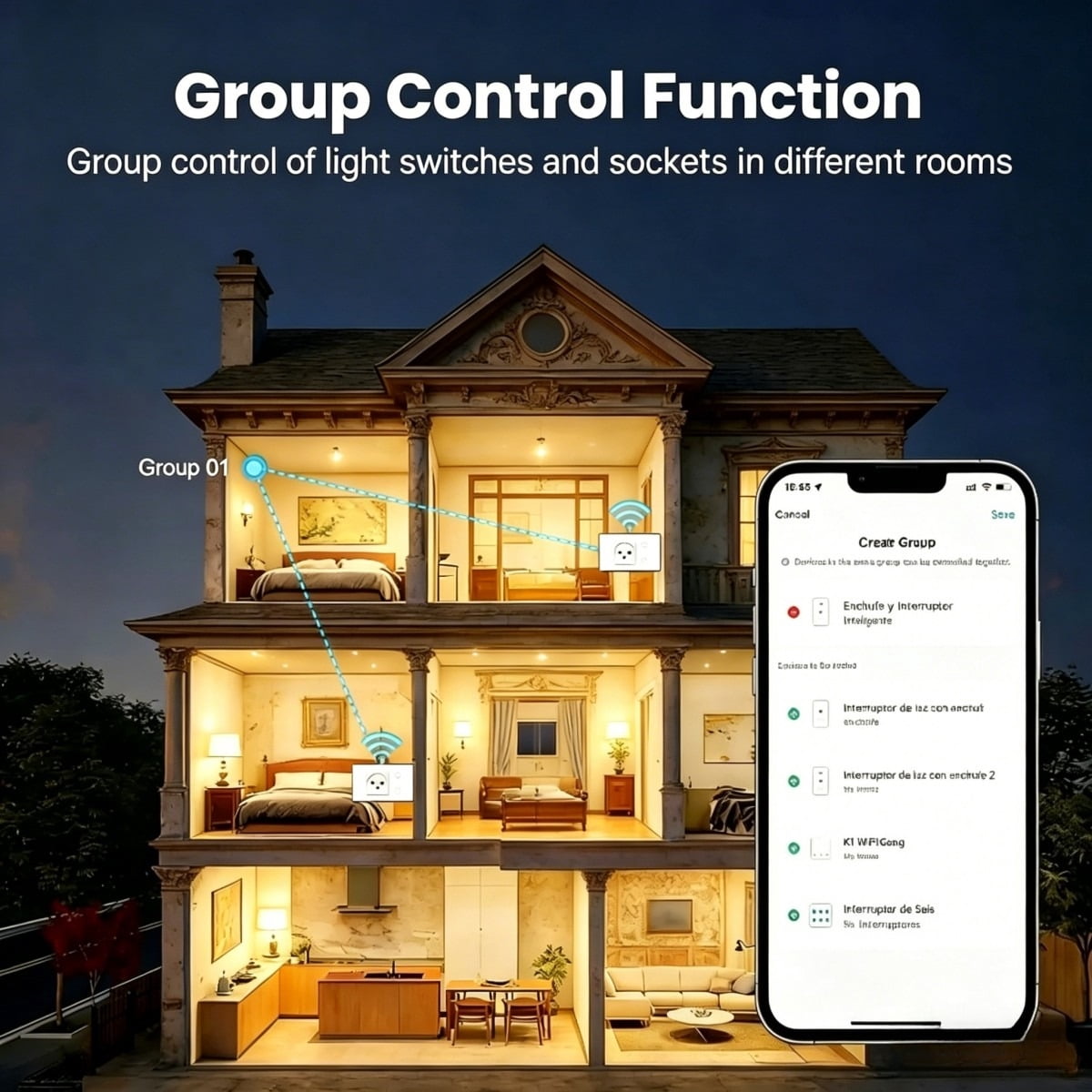
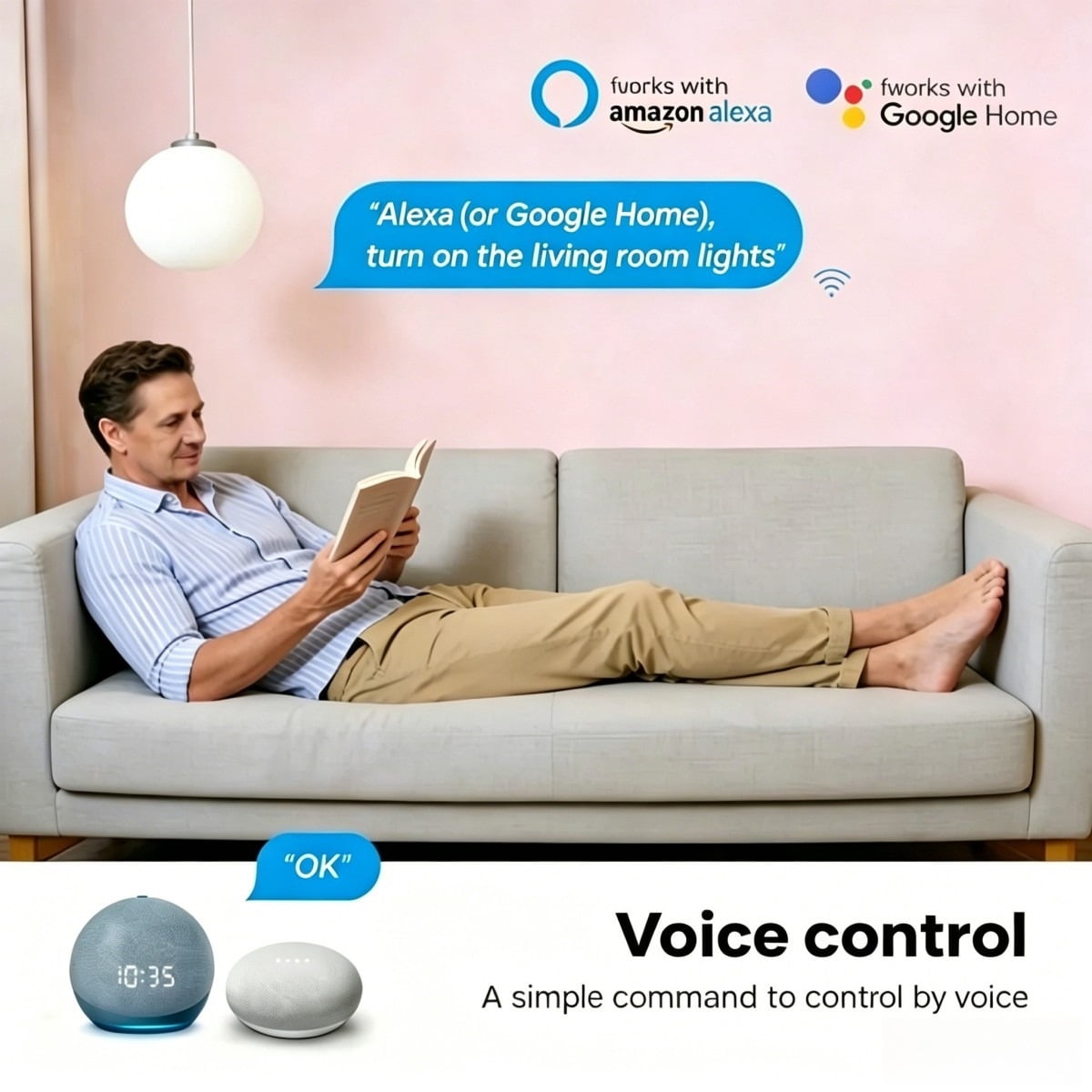
<p>Color: White/Black</p> <p>Size: (L) 120*(W)72*(H)38mm</p> <p>Weight: 191g</p> <p>Material: PC</p> <p>Voltage range: 90-250V AC</p> <p>Max current: 15A each</p> <p>Wireless frequency: 2.412~2.484GHz</p> <p>Wireless IEEE standards: IEEE802.11b/g/n</p> <p>Security type: WEP61/WEP/128/TKIP/CCMP(AES)</p> <p>Security mechanism: WEP/WPA-PSK/WPA2-PSK</p> <p>Wireless consuming: <=0.3W</p> <p>Working condition: Temp: -30~60 degree</p> <p>Feature</p> <p>- Support network via Zigbee Hub.</p> <p>- Support mainstream voice assistants (compatible with most smart voice control systems).</p> <p>- Support Smart configure net technology, easy to access settings.</p> <p>- Support status tracking, home appliances status timely feedback to your device.</p> <p>- Support Max 150 smart devices from one smart phone.</p> <p>- Easy installation, easy handling and can be activated immediately and stably.</p> <p>- FCC, CE, ROHS, RED approval.</p> <p>Wall Socket connects to the Internet and controls the power of home appliances. Smart phone or other devices can control the socket and track its status anywhere with network access. One device can support more than one wall socket controller. Using Smart Link net technology, the wall socket allows easy settings access. It also has a timing function for personalized schedules and a power indicator for energy tracking, enabling local or remote control of your home appliances.</p> <p>Here are the steps to pair the Tuya Zigbee Smart Plug with a gateway and connect to smart voice assistants:</p> <p>I. Steps to Pair Tuya Zigbee Smart Plug via Gateway</p> <p>Preparation</p> <p>Ensure the Tuya Zigbee gateway is connected to the network and added to the "Tuya Smart" app (refer to the previous gateway setup guide).</p> <p>Power on the plug and keep it within the effective range of the gateway (recommended within 10 meters, minimize obstructions).</p> <p>Enter Pairing Mode</p> <p>Common methods: Press the function button (or on/off button) on the plug 5 times rapidly, or long-press for 3-5 seconds until the indicator light flashes quickly (red-blue alternating or green flashing, subject to the device manual), indicating pairing mode is activated.</p> <p>Add Device in the App</p> <p>Open the "Tuya Smart" app, ensure you are logged in and enter the home/room where the gateway is located.</p> <p>Tap the "+" icon at the top right, select "Auto-Detect Devices," and the app will scan for nearby Zigbee devices in pairing mode via the gateway.</p> <p>Once the plug is detected, follow the app prompts to complete naming, room allocation, etc. Wait for pairing to finish (steady indicator light means success).</p> <p>II. Connect to Smart Voice Assistants</p> <p>Prerequisites</p> <p>The plug is successfully added to the "Tuya Smart" app and working properly.</p> <p>Your smart voice assistant device is connected to the network, and its corresponding app is installed and logged in on your phone.</p> <p>Link Accounts</p> <p>Open your voice assistant app, search for the "Tuya Smart" skill/service, tap "Enable" or "Link", and enter your "Tuya Smart" app account and password to complete authorization.</p> <p>Sync Devices</p> <p>After linking, the voice assistant app will automatically scan and sync Tuya devices (or manually tap "Sync Devices" in the app). Once completed, you can control the plug via voice commands (e.g., "Turn on the bedroom plug").</p> <p>Notes</p> <p>If the device isn’t detected by your voice assistant, check if it’s online in the Tuya app, or unbind and rebind the accounts. In some regions, ensure the Tuya account matches the region settings of the voice assistant app to avoid linkage issues. The voice command name should match the name set in the Tuya app; use concise and easy-to-pronounce names.</p> <p>COMPATIBLE TO MOST HOME APPLIANCES</p> <p>This SMART WiFi Plug Socket can automate any home device (available with BS plug) and support a maximum of up to 2900 W, which covers most home devices like lamps, fans, audio systems, coffee makers, kettles, chargers, portable heaters, etc.</p> <p>CONTROL RIGHT FROM YOUR MOBILE</p> <p>Scan the QR code or download the "TUYA" app available on the App Store (iOS) and Play Store (Android). Monitor all your plugged devices and have real-time control right from your mobile.</p> <p>SCHEDULE ANY DEVICE AND SAVE ENERGY</p> <p>No need to worry about plugged devices when you're at work or on vacation. Set your devices (e.g., lamp, air conditioning system, heater, humidifier) to automatically turn on/off, helping you save energy and avoid unnecessary power waste.</p>
- Smart Connectivity & Voice ControlWorks with Zigbee Hub for stable network access and supports mainstream smart voice assistants (via compatible voice control systems). Pair easily with the "Tuya Smart" app, then link to your voice assistant for hands-free control (e.g., "Turn on the bedroom plug")—no complex setup required.
- Wide Compatibility with Home AppliancesFeatures a BS plug and supports up to 2900W max power, fitting most household devices: lamps, fans, coffee makers, kettles, portable heaters, chargers, and audio systems. Automate daily appliances to simplify your routine.
- Easy Installation & Mobile ManagementSet up in minutes: power on the plug, enter pairing mode (press the button 5x or long-press 3-5s), then auto-detect via the Tuya app (downloadable from App Store/Play Store). Monitor device status and control remotely anytime, anywhere—ideal for use while at work or traveling.
- Safe & Reliable DesignMade of durable PC material, with a wide voltage range (90-250V AC) and 15A max current protection. Certified by FCC, CE, ROHS, and RED, ensuring safe use for you and your appliances. The steady indicator light confirms connection status at a glance.
- Energy-Saving & Custom SchedulingCut unnecessary power waste with personalized timers: set appliances (e.g., AC, humidifiers, lamps) to auto-on/off. The built-in power indicator helps track energy usage, while remote control lets you turn off forgotten devices—saving energy and lowering bills.
| Electrical outlet type | Switched Outlet, Smart Outlets |
|---|---|
| Amps | 10 Amps |
| Brand | Melery |
| Color | Black |
| USB ports | 3 |
| Features | Adjustable |
| Count per pack | 1 |
| Smart tech | Y |
| Volts | 110 V |
| Has written warranty | No |
| Watts | 1100 W |
| Has nrtl listing certification | N |
| Model | W118 |
| Dimensions | 12.00 x 7.20 x 3.80 cm |
| Compatible smart control systems | Alexa, Google Assistant, Zigbee |
Bestseller ranking
All Keyboard Protectors
Customers who viewed this product also viewed
Pinata Fillers






Correction of product information
If you notice any omissions or errors in the product information on this page, please use the correction request form below.
Correction Request Form